Vitamin D is up. No rush.
In development — Android beta
Persistent reminders
The reminder app that doesn’t give up before you do.
Every other app reminds you once, shrugs, and lets it slide. Here a task is not done because time passed — it’s done when you say so. The reminders keep coming back, get harder to ignore, and stop the second you close the loop.
until it’s done.
How it works
Open the loop. Get chased. Close it.
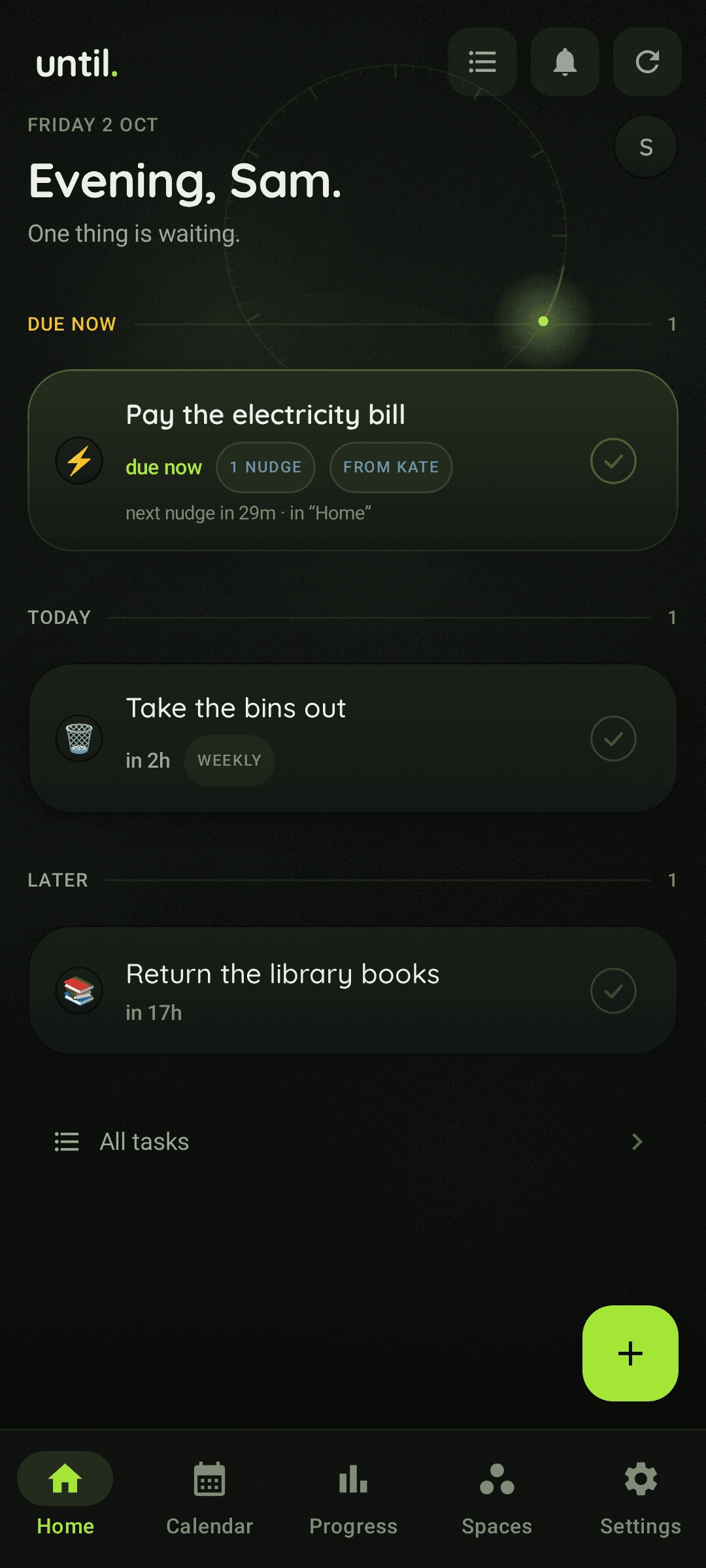
Three states, one rule: nothing floats. A task lives in exactly one place until it has an ending you chose on purpose.
-
01
You open a loop
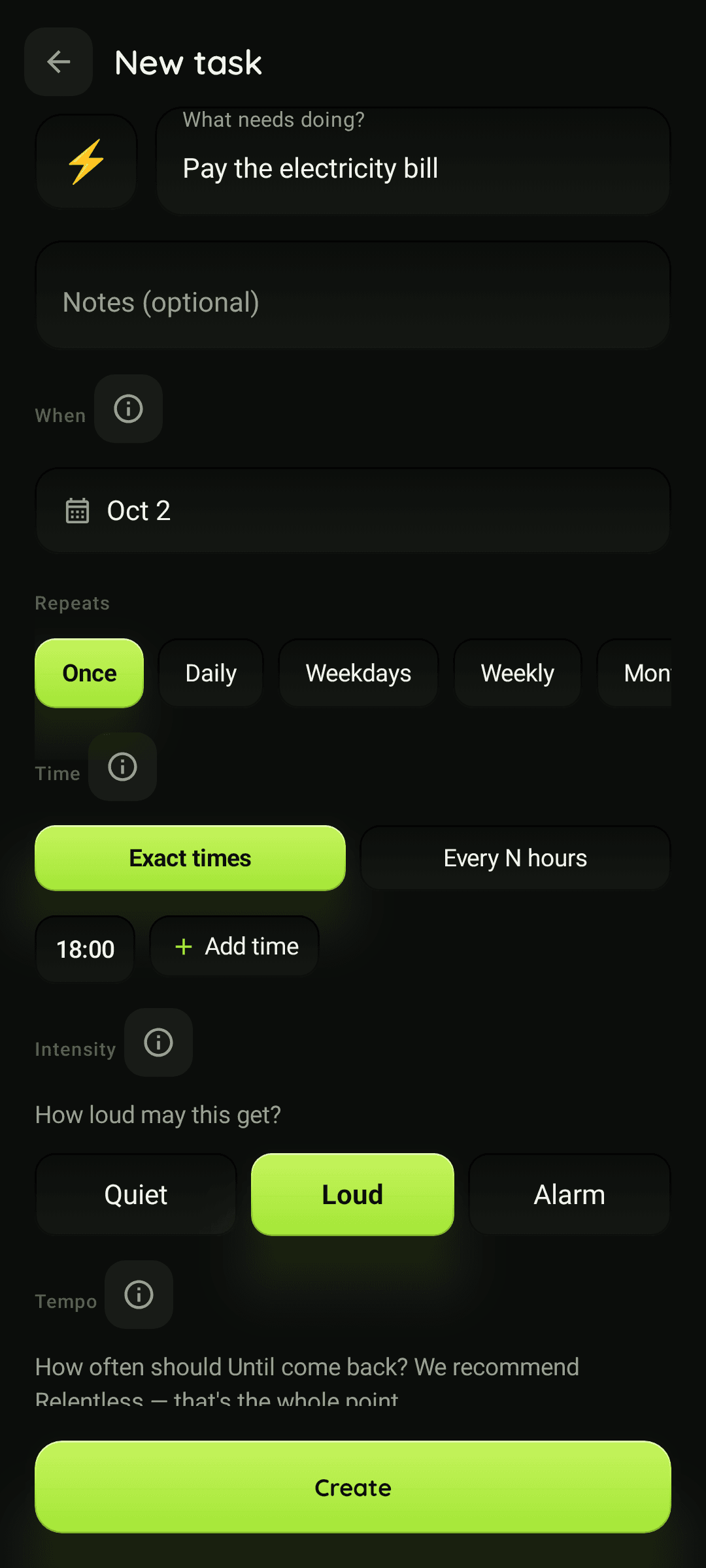
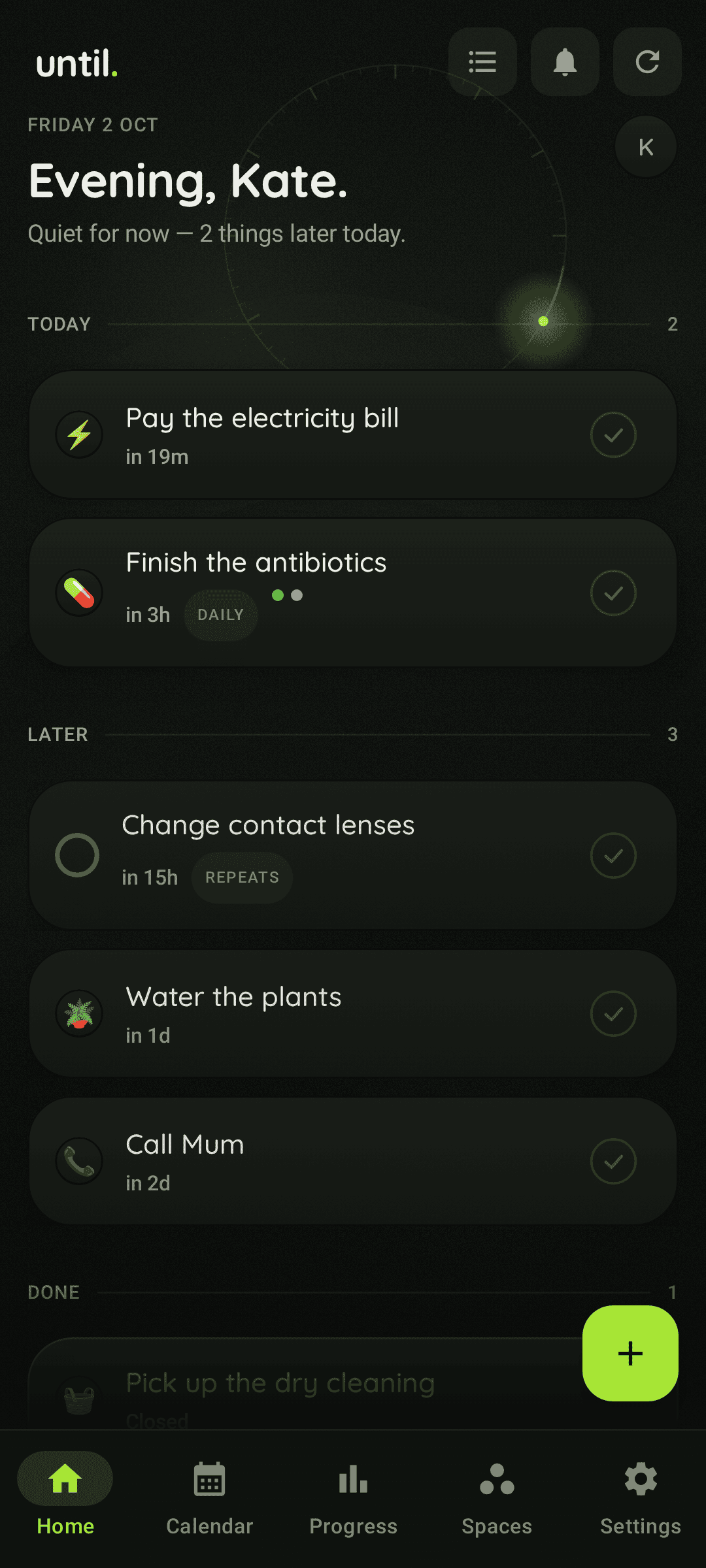
Add the thing — pills at nine, lenses on Sunday, the invoice before Friday — give it an emoji, then set two dials: Tempo (how often it comes back) and Intensity (how loud it may get). That’s the whole setup. No streaks to protect, no garden to keep alive.
-
02
It keeps showing up
Silent in the shade first. Then with sound. Then the kind you can’t scroll past. It climbs one step for every two reminders you leave unanswered — because a reminder you slept through never actually reminded you of anything.
-
03
You close it
Done or Wait — two real answers on every reminder, and the Wait offer shrinks each time you use it. Can’t do it at all today? Say so in the task and it’s skipped on purpose. Forgetting isn’t an answer, so it doesn’t end anything.
Always an honest way out. The point isn’t to trap you — it’s to make sure the decision is yours instead of the notification shade’s. If you want the mechanism in full — the exact intervals, and every brake on it — that lives on persistent reminders.
Hard mode
Two dials: how often, and how loud.
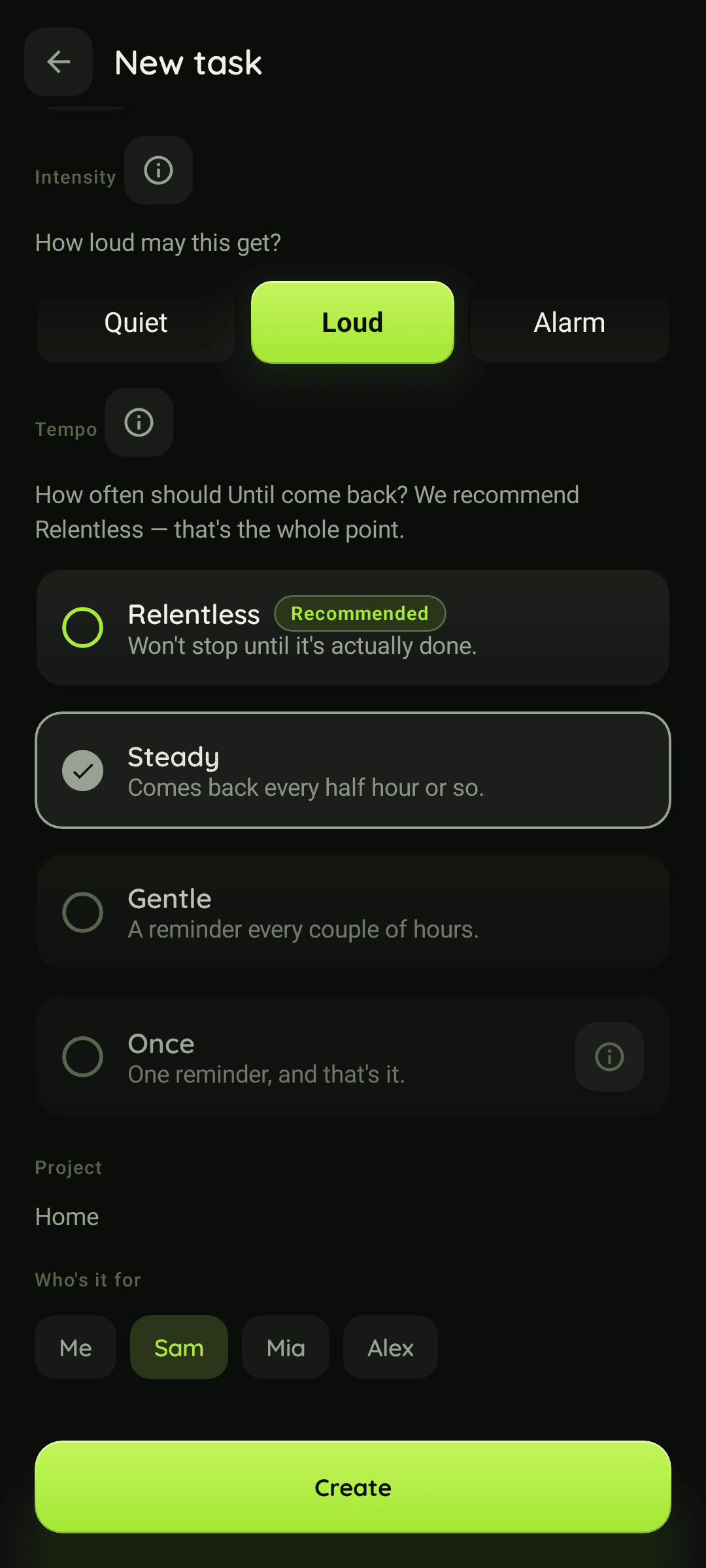
Tempo is the rhythm — how often Until comes back while a loop is open. Intensity is the volume — how loud it is allowed to get. They move independently, so a course of antibiotics can be quiet but relentless, and a bill can nag rarely and very loudly.
Tempo How often it comes back
about every 2 hours
Gentle
A reminder every couple of hours, with a long window to answer in. Slow, but it still never gives up on its own.
about every 30 minutes
Steady
Comes back every half hour or so, tightening while the loop stays open. The sensible everyday setting for water, lenses, plants and small bills.
every 10 → 5 min · recommended
Relentless
Starts at every ten minutes and tightens to every five. For the handful of things you genuinely cannot afford to miss.
Intensity How loud it may get
silent, always
Quiet
Waits silently in your notification shade and never climbs past an ordinary sound. For the nice-to-haves that shouldn’t be allowed to ruin a meeting.
sound, then alarm
Loud
Starts with a sound and, if you keep not answering, ends up as a full alarm. The honest default for anything with a consequence attached.
alarm from the start
Alarm
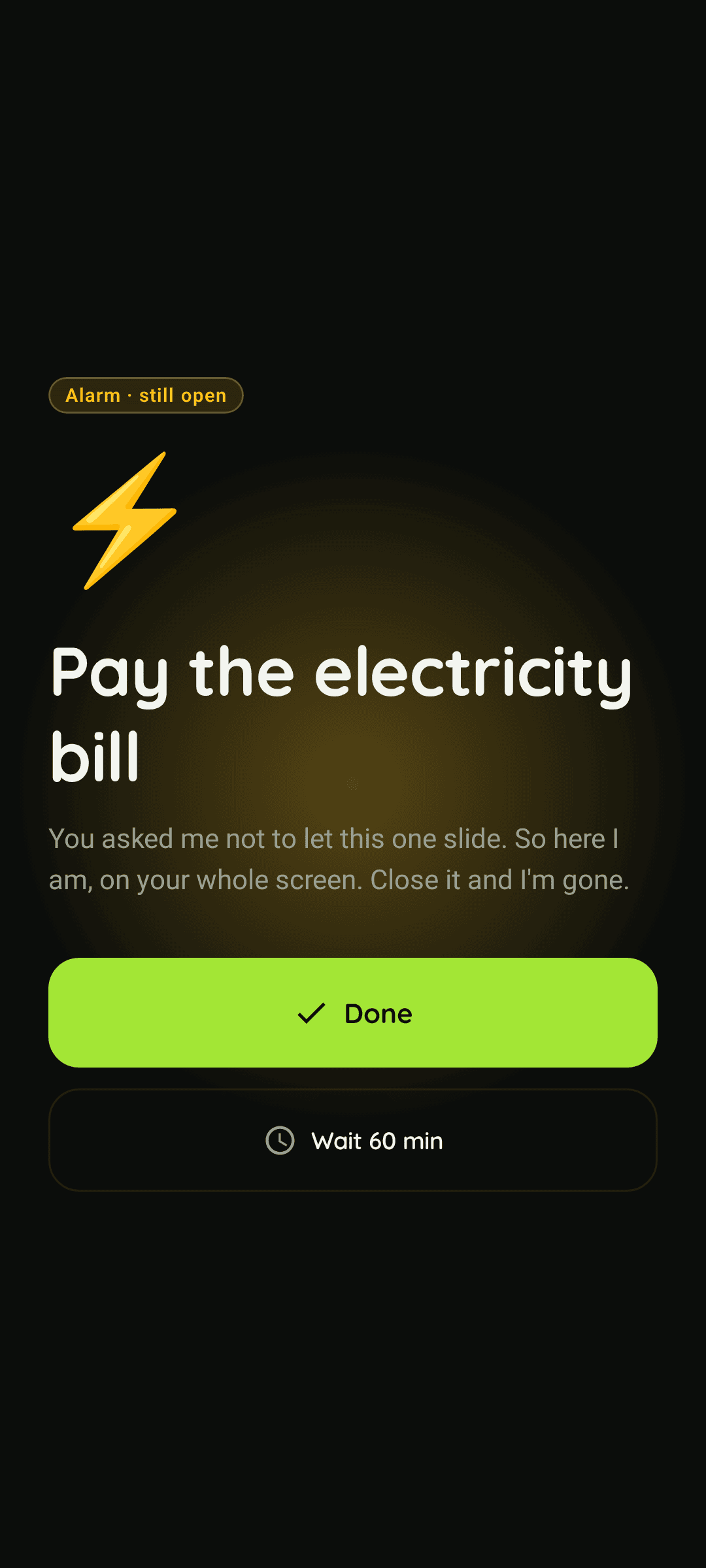
Alarm tone, full screen, straight past Do Not Disturb where your phone allows it. You can switch alarms off globally whenever you’ve had enough.
Ignoring is a signal
Swipe it away and it comes back sooner
Dismissing a reminder without acting isn’t a decision, it’s a deferral — so it gets treated like one. A swipe moves the loop straight on to the next, shorter step of its tempo instead of waiting the window out, it counts towards the next climb in volume, and the wording gets a little cheekier on the way.
silentHeads up — eye drops is up. No rush.
soundStill here: eye drops — two minutes and it’s off your plate.
alarmNice try 👀 — you keep swiping this away, so I’ll keep coming back, faster.
Alarm-grade wake-ups
Loud enough to be useful
At Alarm intensity a reminder takes over the whole screen with an alarm tone, past Do Not Disturb where your phone allows it — the treatment an alarm clock gets, aimed at your nine o’clock pill instead of your seven o’clock commute. How alarm-grade reminders work.
Legible, never cruel
Firm, not shaming
You always know which rung of the ladder you’re on and why. No red walls, no broken streaks, no lectures about how you’ve let yourself down. Warm but firm — a friend, not a boss.
Use it for
One engine. Not six half-used apps.
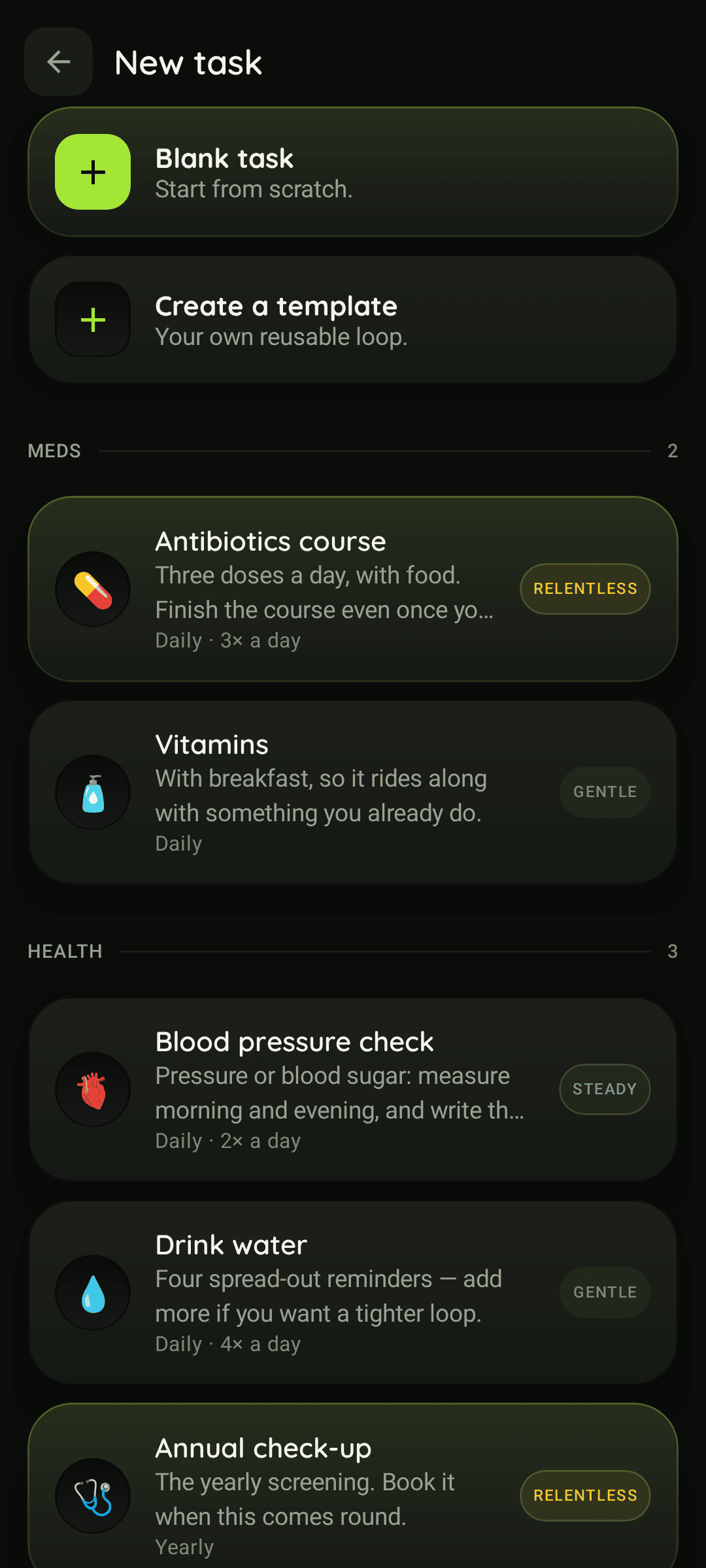
There’s no pill database here, and no plant encyclopaedia. It’s a persistence engine that doesn’t care what the task is — only whether you’ve closed it.
-
Finish the course
Day 6 of 10 is exactly where antibiotics get abandoned. Relentless and Quiet.
-
Change your lenses
Two weeks means two weeks, not “when they start to feel weird”.
-
Drink some water
Six knocks across the day, dose pips counting them off. Gentle and Quiet.
-
Water the plants
The monstera can’t nag. Something has to, and now something does.
-
Pay the bill
Keeps asking until it’s paid, which is cheaper than the late fee.
-
Call your parents
You meant to on Sunday. It’s Wednesday. It’s still asking.
For teams and practices
One space. Two kinds of project.
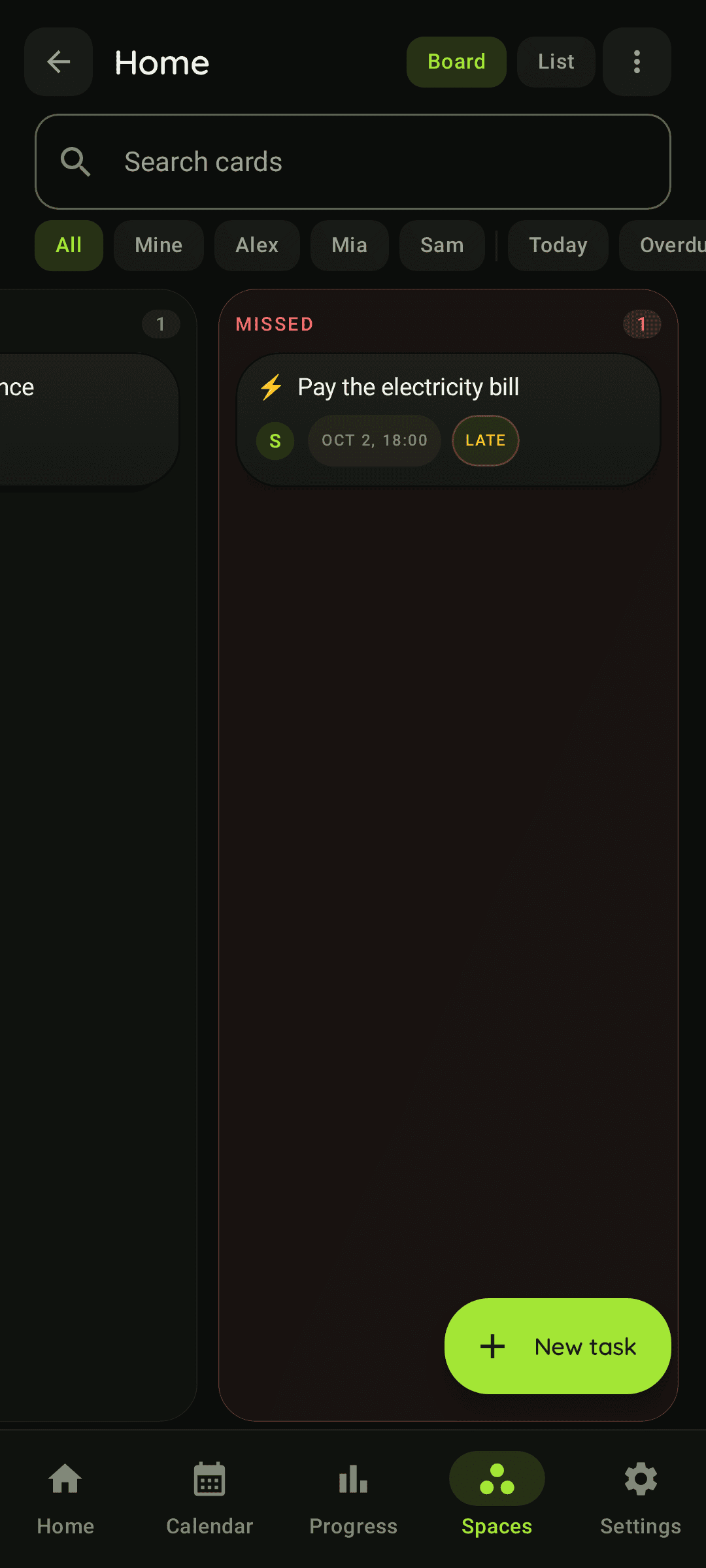
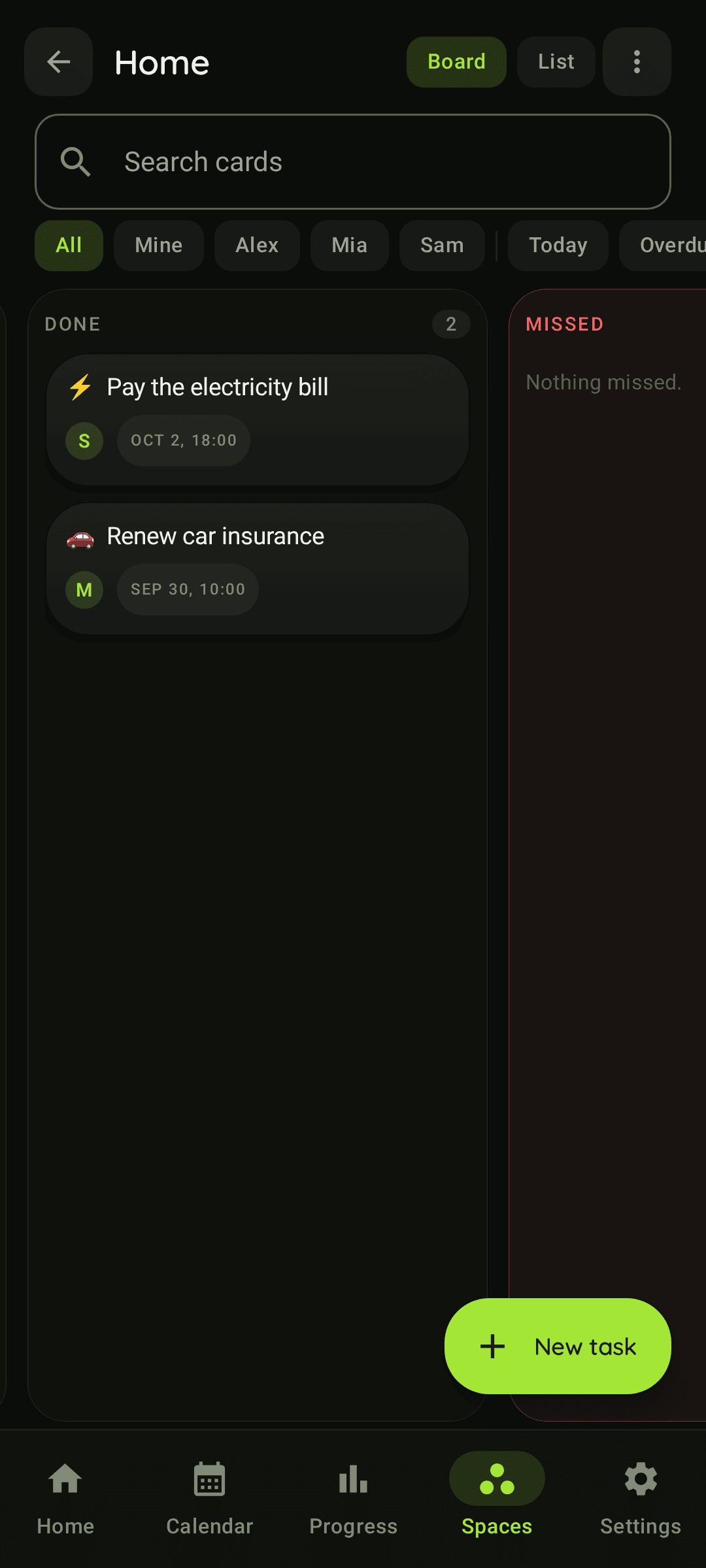
A workspace is one shared space. Inside it, a project is either a board — lanes a team drags cards through — or a room for the people you look after: a physio’s patients, a tattoo studio’s clients, a tutor’s students. Either way, the same reminders do the nagging.
- A board: six lanes from “no time yet” to done, cards you drag between them, up to five files and a voice note on each.
- A room: a roster of the people you look after, each one seeing only what’s theirs.
- The people on the other side — guests — join for free.
until. for teams — in development
Being built now; none of it has shipped in the app yet, and there is nothing to try today. Read more about the board or the client room, or leave an email and we’ll tell you when there is something real to install.
Get notifiedGo deeper
The long versions.
Everything above is the pitch. These are the pages that show the working — the numbers, the limits, and the things until. deliberately doesn’t do.
Persistent reminders
The whole mechanism: the exact intervals, how loudness is earned, what Wait really buys, and the five brakes that stop it becoming noise.
The task tracker side
Due dates, repeats, bundles, routines and an archive — a to-do list where closing the task is the only way it ends.
Why reminders don’t work
The four failure modes of an ordinary reminder, and five things worth trying before you install anything at all.
Alarm-grade reminders
Full screen, alarm tone, past Do Not Disturb where the phone allows it — set per task, and off everywhere in one switch.
Family reminders
A household of five, invitations by QR or email, assigned tasks that ring someone else’s phone, and what nobody can see.
Reminders in Telegram
Done and Wait as inline buttons in a chat, three commands, and a channel that never breaks your quiet hours.
A board that nags
Six lanes including one for tasks with no time yet, drag between the three that are real decisions, files and a voice note on every card.
Reminders for the people you look after
A roster instead of a board — free guests, a template for the sentence you say every week, and nothing anyone else on the list can see.
FAQ
Fair questions.
Is this a medical app?
No. until. is a general-purpose reminder tool, not a medical device, and it does not provide medical advice, dosages or treatment recommendations. Reminding you about a pill is exactly as medical as reminding you about a plant: the app never tells you what to take, how much, or why. For that, talk to a healthcare professional.
When can I actually get it?
Until is in development. The Android app is being tested privately right now, and the public beta is the next step; there is no store listing yet, which is why this page asks for an email instead of offering a download. Join the waitlist and you will get the install link the day it opens, in the first batch.
How is this different from a normal reminder app?
A normal reminder fires once and disappears whether or not you did anything. Here the task stays open until you explicitly close it, and the reminders come back on their own and get louder until you do. Swiping one away is not an answer, so it is not treated as one: the next reminder simply arrives sooner.
What if I genuinely cannot do it right now?
Tap Wait and it steps back for a while — though the offer shrinks each time you use it, from an hour down to five minutes, and a relentless loop eventually stops offering it at all. If today is a write-off, open the task and say “can’t do today”: that skips this one on purpose, with no guilt trip attached. The persistence is aimed at the things you forgot, never at the things you decided against.
Can it actually wake me up?
At Alarm intensity, yes: the reminder takes over the screen with an alarm tone and goes past Do Not Disturb where your phone allows it. Set a task to Quiet instead and it never makes a sound at all. You pick the volume per task, and alarms can be switched off everywhere in one setting.
When is the iOS version coming?
Android comes first, because that is where persistent, alarm-grade reminders are least restricted. An iOS app and a web app are both planned, but there is no public date yet. Leave your email and you will hear about the iOS beta early.
Is it free?
The core is free and ad-free: create tasks, get persistent reminders, close your loops. A paid tier is planned later for the extras such as deeper tempo and intensity controls, stats, sharing with family and sync across devices. The plan is to keep the core free and charge fairly for the rest.
Pick one thing you keep forgetting.
Bring it here and stop relying on your own memory. The Android app is in private testing and the beta goes out in small batches — leave your email and you’re in the first one.